
Play Battleship with friends
Deduction + probability: hunt smart, target clean, finish fast.
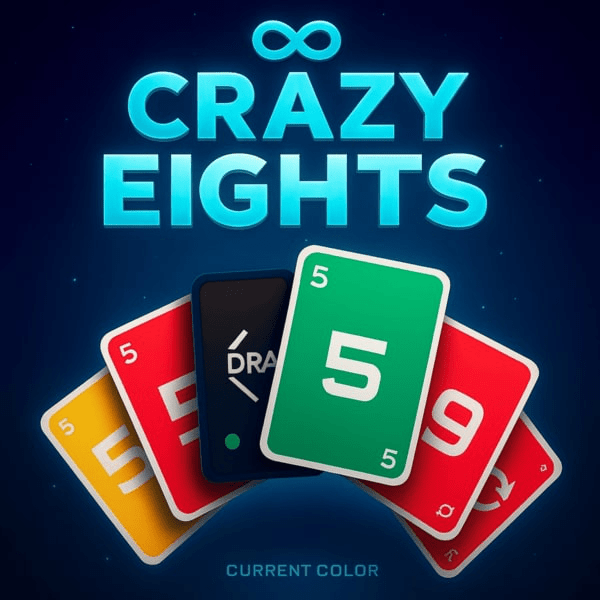
Play Crazy Eights with friends
Fast, wild, and tactical when you control suits.
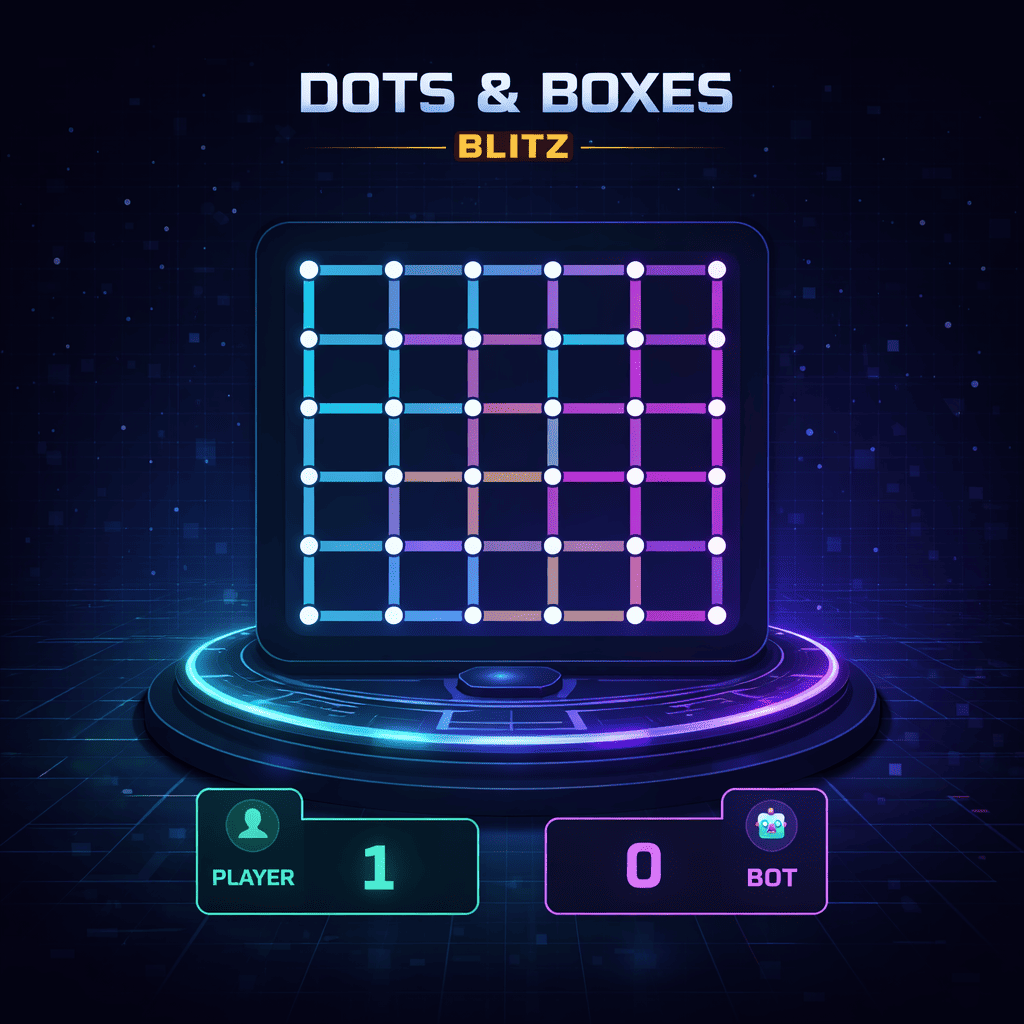
Play Dots & Boxes Blitz with friends
Draw lines, claim boxes, beat your opponent!
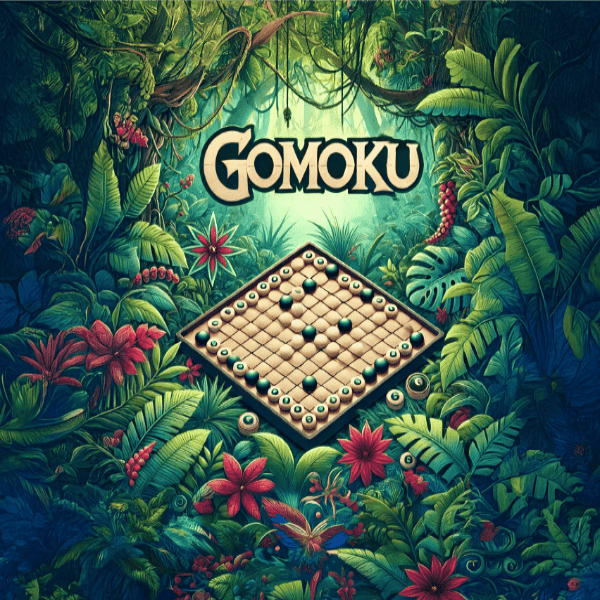
Play Gomoku with friends
Easy to learn, endlessly deep.
Play Ludo with friends
Classic racing chaos — now faster, cleaner, and competitive.
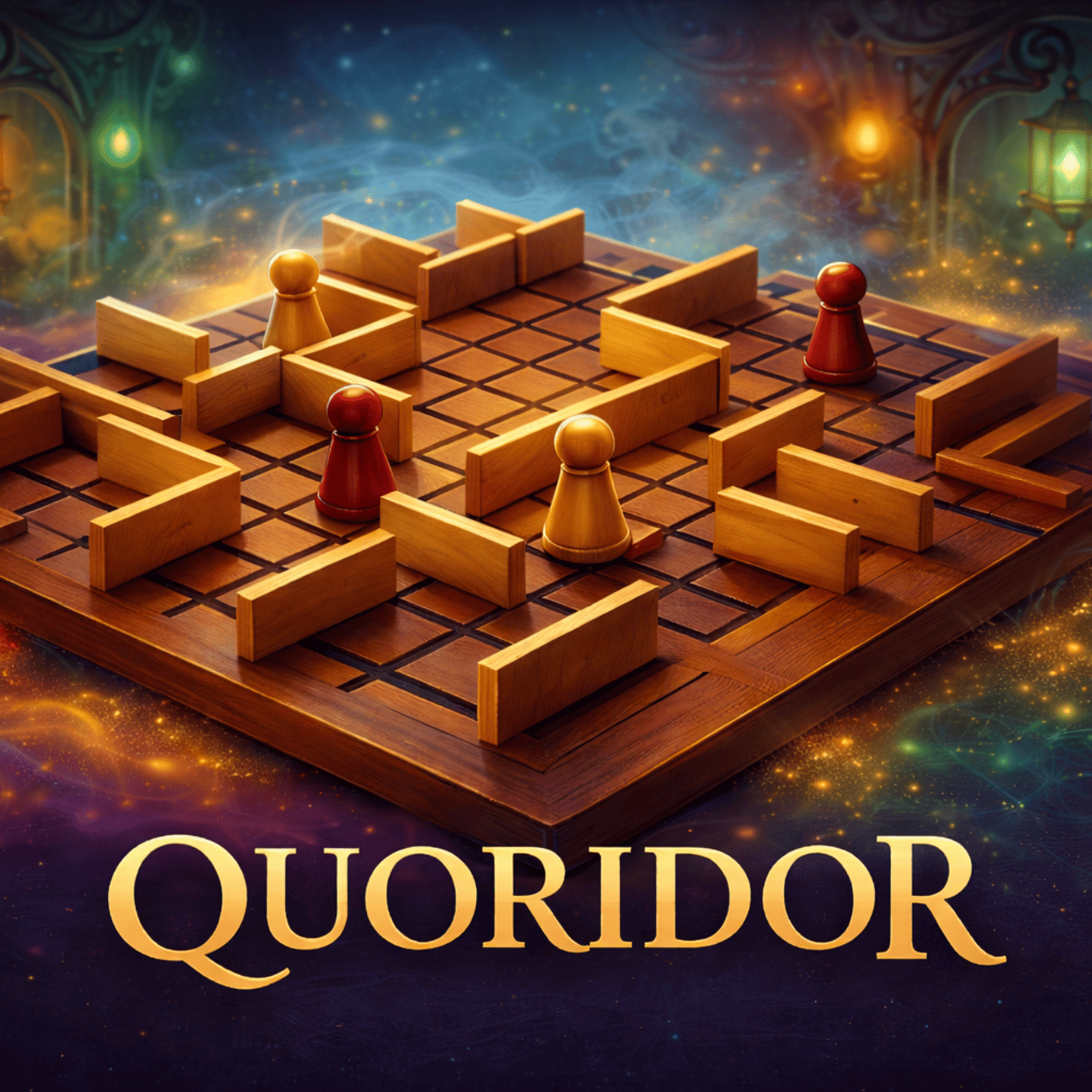
Play Quoridor with friends
Race to the other side — walls included.
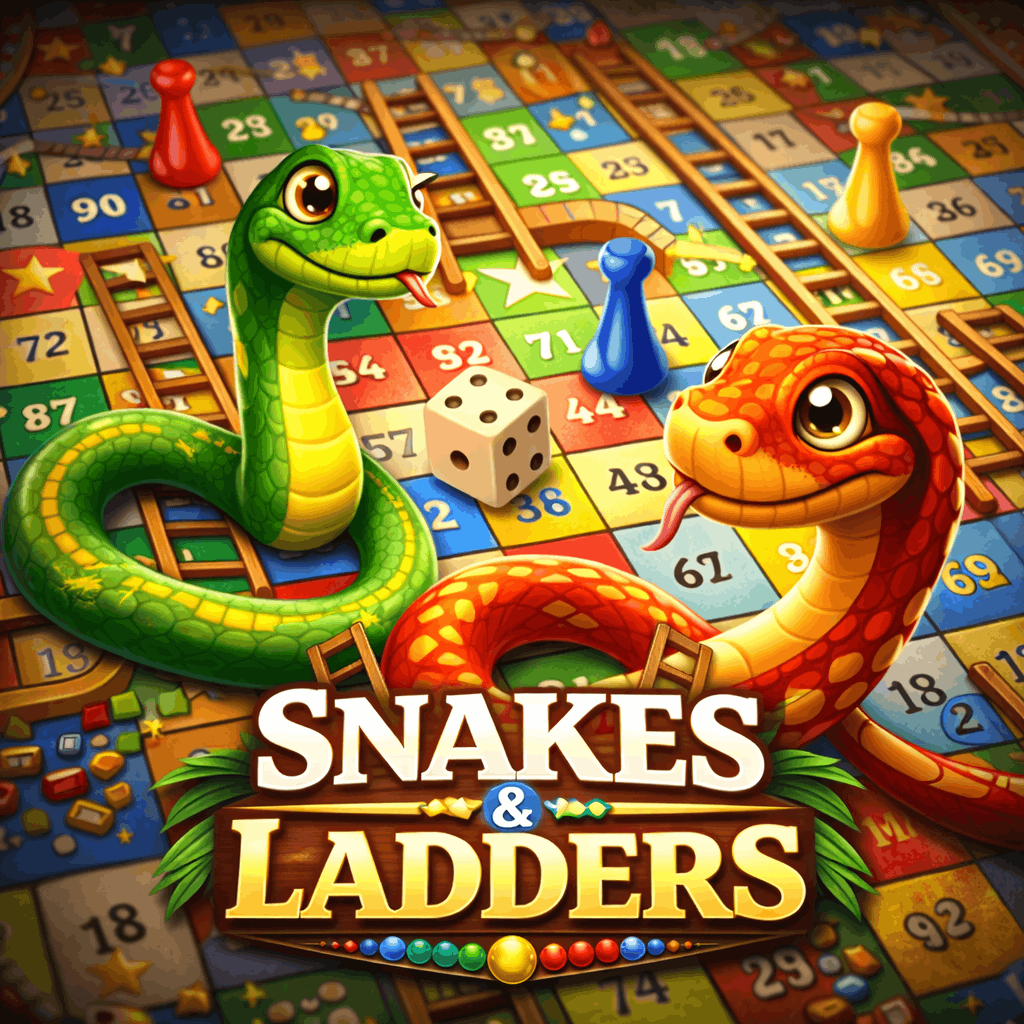
Play Snakes & Ladders with friends
Climb ladders, avoid snakes!

Play Yahtzee with friends
Smart rerolls = big scores.
What you need
- A free Arcadia account for each player — creating a room and joining one both require you to be signed in.
- A browser. Multiplayer works on desktop and mobile, and the two of you can be on different devices.
- Nothing else. There is no app to install, and playing costs nothing unless the host sets an entry fee.
FAQ
What multiplayer games can I play with friends online?
Every game listed on this page can be played head-to-head: Battleship, Crazy Eights, Dots & Boxes Blitz, Gomoku, Ludo, Snakes & Ladders and Yahtzee. Board games, card games and dice games are all covered.
Are these multiplayer games free?
Yes. Rooms are free to play by default — the entry fee is set to $0. A host can optionally set an entry fee instead; every seat then pays the same amount and the winner receives the full pot.
Do I need to download anything?
No. Everything runs in your browser, on desktop and on mobile. There is no app and nothing to install.
Do both players need an account?
Yes — both players need a free Arcadia account. Creating a room and joining one both require you to be signed in. There is no guest mode.
How do I invite a friend to play?
Create a room for the game you want, then share the room code or the room link. Your friend opens the room, selects Join, and the game starts as soon as every seat is filled.