Play Gomoku with a friend, online
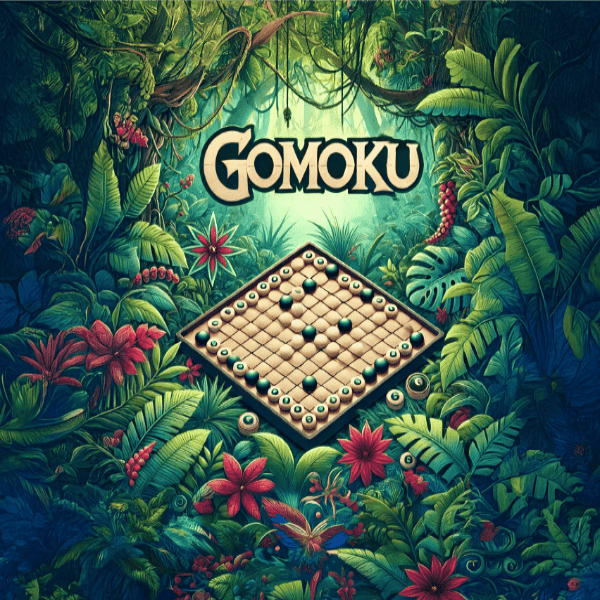
Play Gomoku head-to-head in your browser. Create a room, share the link, and take turns placing stones until someone lands five in a row — no download, no install.
Gomoku is a two-player game: one room, two seats. The server validates every placement and detects the win.
How multiplayer works
- Create a room — choose Gomoku, set the number of seats, and leave the entry fee at $0 for free play.
- Share your room code (or the room link) with the person you want to play.
- They join — the game starts automatically the moment every seat is filled.
Both players need a free Arcadia account.
Rooms are free to play by default — hosts can optionally set an entry fee, and the full pot goes to the winner.
FAQ
How many people can play Gomoku online?
Gomoku is a two-player game — one room seats you and your opponent.
Who moves first in online Gomoku?
Seats are assigned when players join the room, and the first seat opens the game. Turn order is enforced by the server.
Do I need an account to play Gomoku with friends?
Yes — both players need a free Arcadia account. Creating a room and joining one both require you to be signed in. There is no guest mode.
How do I invite someone to my Gomoku room?
When you create a room you get a room code and a room link. Send either one to your friend. They open the room, select Join, and the game starts as soon as every seat is filled.
Is Gomoku multiplayer free?
Yes. Rooms are free to play by default — the entry fee is set to $0. A host can optionally set an entry fee instead; every seat then pays the same amount and the winner receives the full pot.
Ready to play Gomoku with a friend?
Create a room, share the link, and start playing. Free to play — both players need an Arcadia account.